When Microsoft released its Windows 10 operating system, it introduced a number of under-the-hood changes. One of these changed how updates were provided to Windows 10 PCs.
Up until the release of Windows 10, Microsoft released individual updates for its systems. While that gave administrators excellent control over the updates, as they could pick the ones that they wanted to install, it meant that a large number of updates had to be installed when an operating system like Windows 7 was installed after a number of years.
Microsoft tried to limit this with the release of Service Packs. These could be installed instead of all earlier updates, which improved the speed and stability of the installation process.
Cumulative updates entered the Windows world in 2015
Microsoft introduced cumulative updates with Windows 10 in 2015. It later introduced the system to earlier operating systems.
The idea was simple: instead of releasing individual updates, Microsoft would release updates that included all previous updates.
Instead of having to install dozens of updates, in some cases hundreds, Windows administrators would simply install the latest cumulative update and they would be done with the updating for the most part.
A new problem emerged: Cumulative updates reduced the number of updates that needed to be installed. However, since they included all previous updates, they grew in size over time.
Surprisingly though, this did not mean that systems downloaded full sized updates each month. Microsoft used a technique called differential downloads, or express updates, to deliver updates to Windows 10 systems.
This meant, that Windows Update downloaded only the update bits that were new. Everything that was installed already was skipped, which increased the updating speed.
The cumulative update model caused four major issues:
- While computers only downloaded the update bits they needed, they had to compute which updates they were missing and do a lot of unpacking, verifiying and merging.
- Fresh installs or factory resets take a long time. Computers had to download a massive update in the beginning, which would take long to install.
- The system caused the WinSxS folder to bloat over time, which could result in storage problems on the main drive.
- Storage was still a problem for, mostly, Enterprise customers who hosted and distributed updates from company servers.
Checkpoint updates come to the rescue
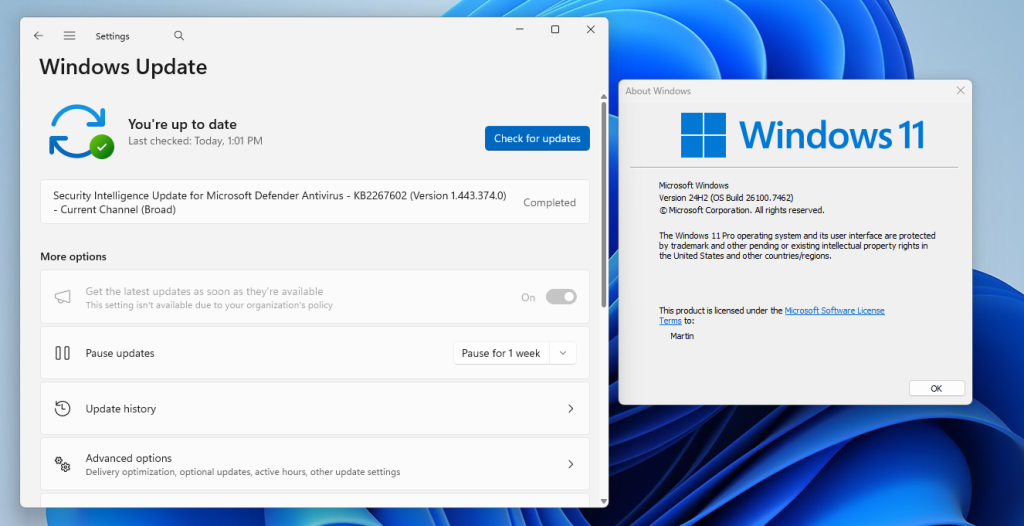
Microsoft introduced checkpoint updates in Windows 11, version 24H2. The main idea was to introduce updates regularly that would reset the cumulative updates.
They take a cue from service packs by creating new start points for cumulative updates. This addressed the major issues that Microsoft identified, e.g., instead of computing changes from the very release of the operating system, the processor would only have to do so from the last checkpoint update release.
Updates should install faster on recent versions of Windows 11 because of this. They also deal with the other problems mentioned, by reducing WinSxS storage or providing smaller, less CPU-taxing updates during fresh installs or resets.