7-Zip is a popular open source archiver that is a popular option on Windows. While Windows comes with its own basic archive creation and extracting options, it is significantly slower compared to third-party apps such as 7-Zip.
A vulnerability in earlier versions of 7-Zip was discovered in April 2026 that could allow attackers to cause the application to crash or run arbitrary code.
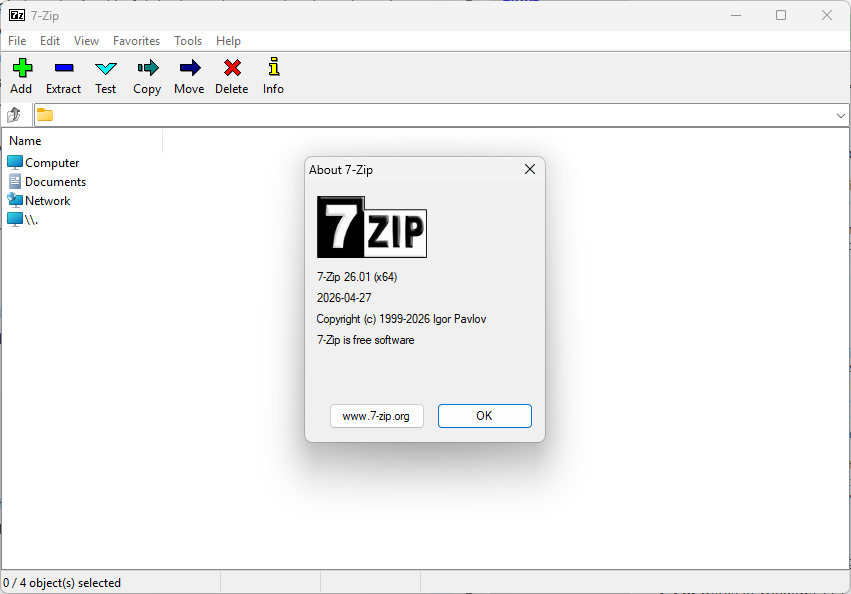
The affected version is 7-Zip 26.00 and earlier versions appear also affected by the vulnerability. The latest version is 7-Zip 26.01 and this version is safe to use.
If you run the archiving software on your devices, you may want to check the installed version and update if it is 26.00 or earlier.
You can check the installed version under Settings > Apps > Installed Apps. Type 7-Zip into the search box and wait for the app to appear. The version is shown in its title.
Updating is a flawless process. Just download the latest version from the official developer website and run it after the download finished. The installed version will be updated and any attacks targeting the vulnerability won’t have an affect on the app or the system anymore.
You can also check the version when you launch 7-Zip on the system. Select Help > About 7-zip in that case to display the installed version.