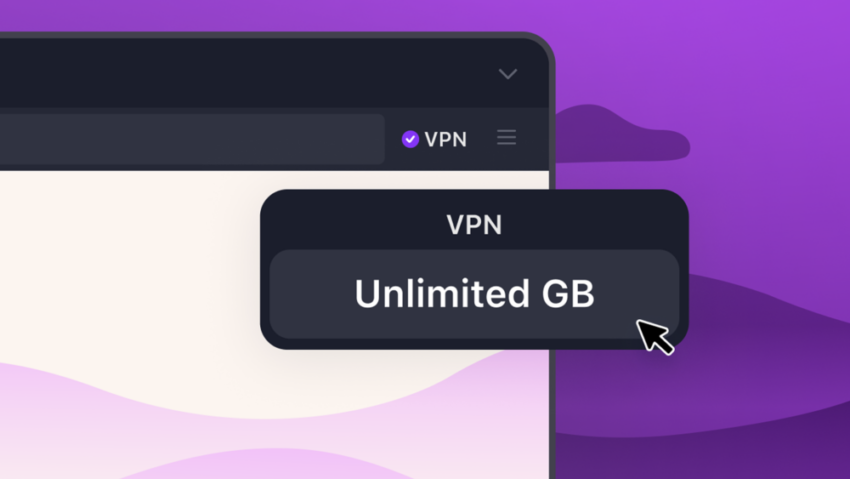
Firefox VPN is a built-in browser proxy to browse anonymously in the open source browser. It is a free service that protects your device’s IP address by routing traffic through secure servers.
While not as powerful as standalone VPN services, which protect all activity on a device, it is a handy privacy feature nevertheless. Users should not confuse it with Mozilla VPN, which is a device-wide VPN service that is not free.
Mozilla increased the available bandwidth for free users to 50 gigabytes recently. That is a generous amount already. This week, the organization announced another, temporary, increase of the VPN bandwidth.
Bandwidth is unlimited until September 1, 2026, according to the blog post. So, if you really need a lot of bandwidth, for instance for massive downloads or media streams, then this should get you through the coming months without ever worrying about hitting bandwidth limits.
In addition, users may connect to more than 25 different exit regions when they use the browser VPN.
The full set of countries available during this summer period include: Australia, Austria, Belgium, Bulgaria, Canada, Chile, Colombia, Denmark, Finland, France, Germany, Ireland, Italy, Malaysia, Mexico, Netherlands, New Zealand, Portugal, Singapore, Spain, Sweden, Thailand, Norway, South Africa, United Kingdom and United States.
Firefox’s built-in VPN supports turning off the secure connection for specific sites. That’s useful in some cases, for example, when sites do not work properly while the VPN is active.
All in all, if you do not use a VPN service already, this one may be an option to upgrade your privacy on the Internet.
I’m wondering what DNS resolver(s) are used by Firefox’s built-in VPN. I run DNSCrypt-proxy with a plethora of compatible DNS resolvers (I use 25 of them chosen by geographical proximity criteria, which DNSCrypt-proxy moreover alternates: nice to see the connection log and the diversity of DNS used for each connection).
Whatever browser-only VPN they will not interfere with the browser’s content-blocking extensions (mainly uBlock Origin) but they will of course with system-wide blocklists (DNSCrypt-proxy offers as well user chosen ip and domain blocklists) when the browser is running, of course.
Mozilla giving away unlimited VPN bandwidth in Firefox (unlimited until September 1, 2026) catches one’s attention. I may give it a try. I remain curious about bandwidth limit after September 1, 2026: when episodic generosity is a teaser, I tend to think twice.
Three months, but we are already well into June; so 2 1/2 months of unlimited data through a proxy server.
Proton Wireguard or Open VPN .conf files are an option–unlimited, quite speedy, private. No torrenting . . . .
Yes maybe it’s a good deal.
The programs I use a VPN for can be used in-browser, but I’d rather spend a few bucks and use them in their original form. Also, it will be interesting to see if YouTube will be blocking Firefox VPN connections, as they block a lot of other VPN connections.
I get 2 minutes tops playing a vid on youtube before getting an error, been that way for a year. Invidious and newpipe still work at lest.
Is this on mobile?
Currently using iPad OS 26
Cannot find a VPN setting.
weird. using firefox 151 and dont see any option for vpn. however when i go into settings and search vpn a button to get vpn is revealed. when i click on it it takes me to [https://www.mozilla.org/en-US/products/vpn/] mozillas site that offers 50% off but there is no free option. am i missing something?
The Firefox VPN feature is not available in all countries yet. What you discovered is Mozilla VPN, a standalone subscription product.
Here is the list of current regions: https://support.mozilla.org/en-US/kb/built-in-vpn#w_what-regions-currently-support-built-in-vpn