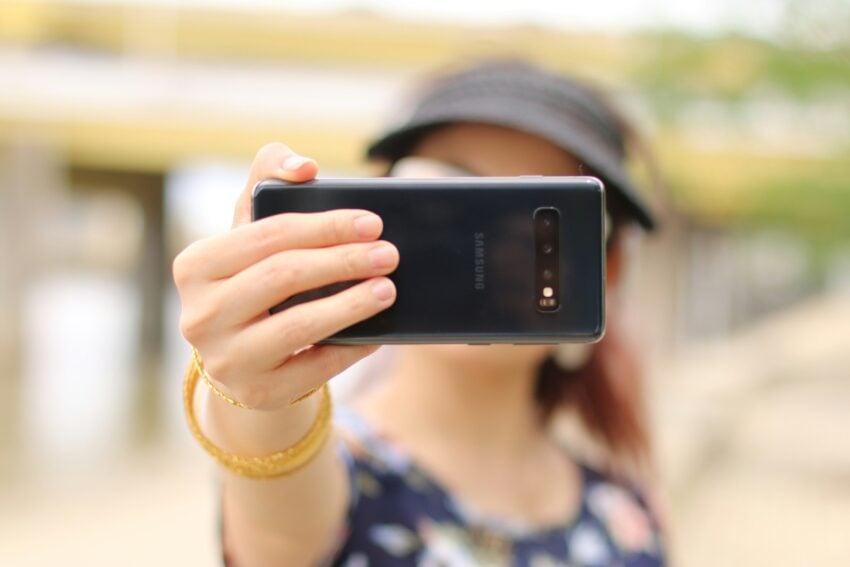
Google announced a new option to sign-in to a Google account this week. Called “Selfie Video”, it is specifically designed for signing-in when you are locked out or use a device that is not your “usual phone or computer”.
However, for this to work, it is necessary to set up Selfie Video prior to making use of it, Google notes.
Note: I got the “Selfie isn’t available as a sign-in option for this account” error when trying to set this up for tests. Not sure whether the feature is region-locked, as Google does not make any mentions of limitations.
Google describes the new feature in the following way:
Setting up a selfie video is simple: You just look at your device’s camera and complete a few short, guided head movements to capture multiple angles.
If you’re having trouble signing in later on, you just take another selfie to get back into your account. Selfie video compares the new video to the one you set up to confirm it is really you and help you get back into your account.
What about privacy and security? Google says the selfie video “is recorded and securely stored with your consent” and only used for sign in help, unless you decide to “share it for additional purposes”. The video is encrypted at rest according to Google, and there are “multiple layers of security to help prevent impersonation attempts”.
Here is my take: while this may look like yet another feature to get more data from its users, it is actually not the worst of ideas in some cases. First, it is optional, which means that you don’t have to use it and the majority of Google users probably won’t.
The main advantage is that this is independent of devices or security keys. If you don’t have access to your smartphone or computer anymore, you may lose access to your accounts or have troubles authorizing yourself. This selfie option could provide a way out in emergency situations. That is, provided that it works as advertised.
For users heavily invested — and thus trusting — in Google’s ecosystem, it could be an option for disaster recovery.
What about you? Would you use such a feature? Let me know in the comments below.
First, take a “selfie” which is encrypted and securely stored and only used for account retrieval.
Second, if I don’t have access to my smartphone or computer anymore, then I need to find another device to take a “selfie” with for comparison.
That could be problematic since I would have to take the “selfie” on a foreign device, even a close friend’s, log in to my account on that device, delete the “selfie” and the password.
No, I don’t think it would work for me.
I don’t understand how something like this can be considered secure.
Someone could take your phone and point it at you and unlock it and as Gemini can’t even recognize it’s own work as AI generated how spoof proof could it be?
“decide to “share it for additional purposes”.? You mean dig through layers of menus in unrelated areas looking for the hidden “opt out” boxes.
I get similar prompts on my android phone all the time, “use your face, use your face, use your face”! It’s very annoying.
This whole two choice “Yes” or “Ask me again” system eveyone is adopting now is really getting on my nerves.
“Yes” or “Ask me again” seem to be default options on many devices. I have an Android tablet. I do not lock it by default, so it never asks me for my face. Maybe there are some third-party locking apps?
I could take a selfie of my ass, how about that?
I bet somebody will figure out how to unlock phones with dickpics.
There will be people who use this as their only way to log in to their Google account or as a backup if they lose their phone which has their passkey on it to login to their Google account.
Then a subset of these people will experience a event (accident, natural disaster, crime, war, etc) that causes their pretty face to be disfigured for a long period or forever, while this bad event also cause the loss of their phone. The result is that they have lost all means to login to their account.
I prefer to use a password manager that stores the passwords locally and keep a copy of the password store in a few different locations. If I lose my phone or my home, I always have a copy elsewhere to get into my accounts. The same goes for encrypted copies of all my important documents and photo’s.