You probably know that KeePass is still my favorite password manager and that I do not save passwords in a browser or cloud-based location. It is a free Windows-based local password manager that does not restrict passwords and can be extend easily thanks to its open system. Other developers have created apps for all kinds of operating systems.
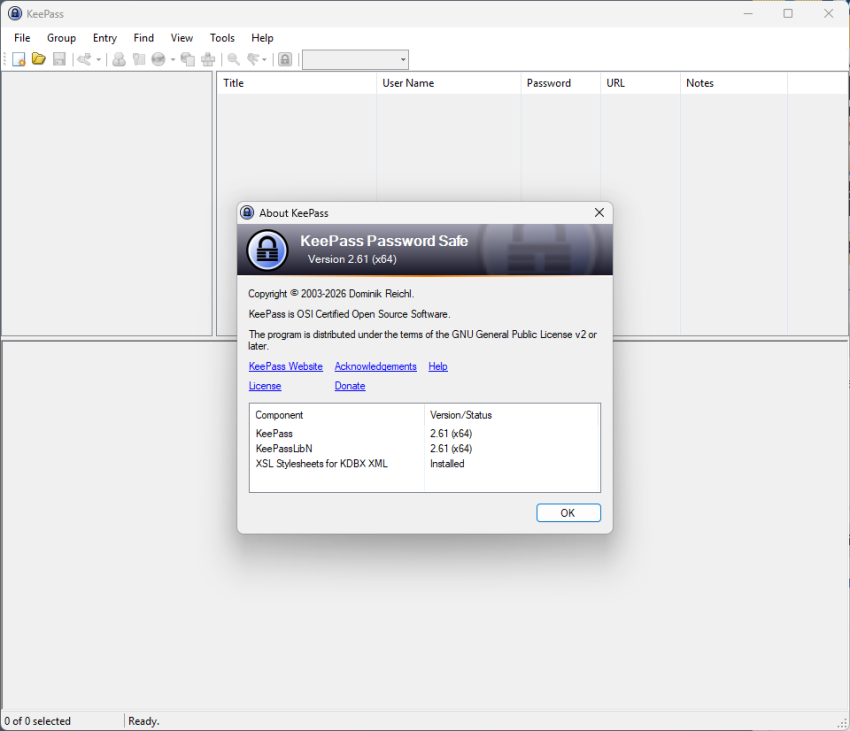
KeePass 2.61 is the latest version that got released earlier today. The new version adds new features and improvements, including several that make the password manager more versatile or secure.
As always, while you can configure KeePass to inform you about updates, you do need to download the new version from the developer website manually, as it does not include automatic update functionality. The new version should upgrade without any issues.
The main improvements of KeePass 2.61
One of the main improvements is update-related. Checks for new updates are now performed before a database is opened. Furthermore, if the master key prompt is opened, it will now also indicate that an update is available with an icon. You can toggle the feature under Options > Advanced.
The built-in one-time password generation capabilities have received several changes:
- White-space characters are now automatically removed when pasting shared secrets, if the encoding is Base16/Hex, Base32 or Base64.
- New buttons in the one-time password generator to copy the passwords to the clipboard.
- The settings dialog supports displaying history entries now.
Other than that, you get improved saving of active databases to local files, multi-location/file synchronization options, and multiple attempts at entering the master key when a database is exported. Previously, users had to re-open the option to try again if the master password was incorrect.
The changelog lists a solid number of improvements next to that, which are mostly minor changes. One of the main changes is that searches are now more tolerant by default in almost any location. You can check the full list on the linked at the top.
Ultimately, KeePass 2.61 doesn’t try to fix what isn’t broken; instead, it polishes the edges of a tool built for those who value total sovereignty over their digital keys.
Keepass is also my favourite password manager. However, it is not available for the Linux operating system.
Martin, do you know when a Linux version of Keepass will be available?
My second question is: what do you think is the most suitable alternative for Linux?
I’m not aware of a Linux version. One of the better option is KeePassXC, which is also available for Linux and open source: https://keepassxc.org/
Actually, it is available:
https://keepass.info/help/v2/setup.html#mono