In the past decade, many services and products have switched from a pay-once model to a subscription-based model. Sometimes, you get a choice, say between the pay-once version of Microsoft Office and Microsoft 365. Even then, companies usually tweak the deals to raise the attractiveness of the subscription-based product. Microsoft, for example, does not add new features to the pay-once version of Microsoft Office after release.
Many companies favor subscription-based services. They generate a steady-stream of income, bind the customer to the service, and make it easier to raise the price or change the deal favoring their side. Amazon did the latter when it introduced ads for all Prime Video subscribers and recently announced that more ads are coming.
Some companies raise the product of their services almost every year. Google, for example, just announced another round of price increases for Nest Aware.
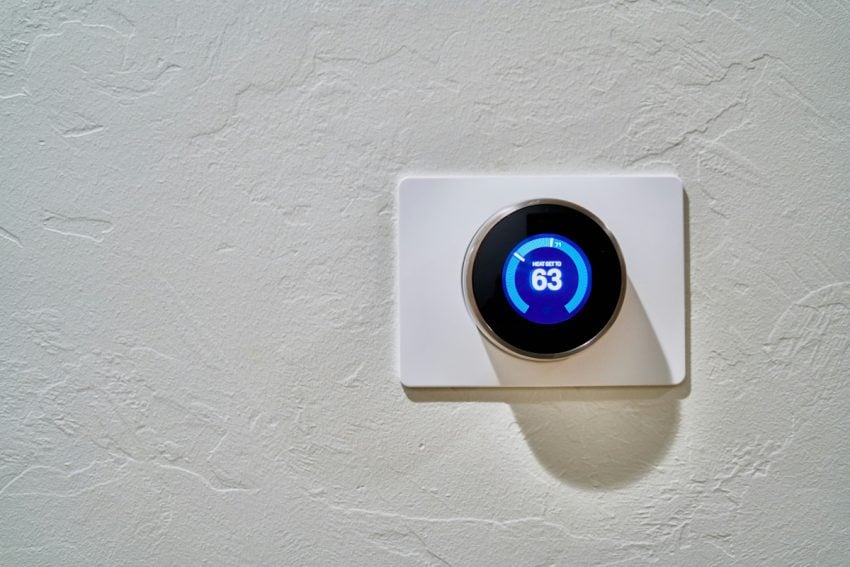
Google Next devices are smart home products, think thermostats, smoke detectors, smart doorbells or speakers, designed to give home owners more control over their homes, even when they are not at home.
A subscription is required to take full advantage of Next devices. Nest Hub Max, for instance, offers basic motion detection only, if you have no subscription. If you want an upgrade to that, which also includes seen and face alerts, smoke and CO alarm and glass break sound detection, and more, you need a subscription.
Google informs subscribers currently that the price of a subscription is going up again this August. The two products, Nest Aware and Nest Aware Plus, will cost $10 and $20 per month respectively, up from $8 and $15, which customers pay right now.
The last price hike happened in September 2023, when Google raised the price from then $6 and $12 per month to the price that it charges currently.
So, the price went up from $6 to $10 and from $12 to $20 per month in about two years. Is it the last increase? Very unlikely.
With hardware products, it is more challenging to switch, as you invested into the hardware already. While you can cancel a Netflix or Microsoft 365 subscription at any time and without much issues, with Nest and other hardware products, you’d either end up with some dumb bricks or hardware that is less efficient or useful.
The only options that we have is to vote with our wallets. Either do not buy the product in first place or end the subscription, if it gets out of hand. Yes, that could mean ending up with products you bought that will be of little use to you in the future.
Now You: do you have subscriptions currently? If so, which and why? Feel free to leave a comment down below.


