
KeePass is one password manager that I’m using regularly on Windows machines for password-related activities. It is a well-designed app that runs locally, but you can extend it with all kinds of plugins and install compatible programs and apps for other operating systems.
A new version of the password manager is now available. KeePass 2.59 is the second release of the year 2025 and it introduces quite a few welcome improvements and changes. First and foremost, if you run Windows on an ARM64 device, like the latest Microsoft Surface Pro devices, then you may install and use the password manager on that device now as well. KeePass 2.59 is therefore the first version of the password manager that supports all architectures that Windows supports.
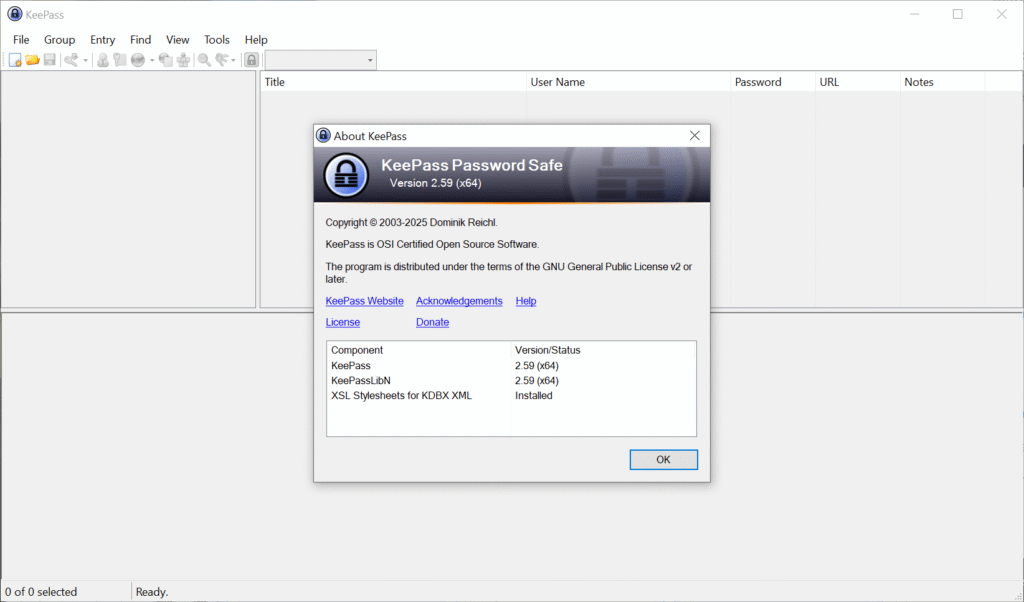
KeePass 2.59 introduces native implementations of AES-KDF and Argon2 on Windows systems, promising a breathtaking 30-50 times speed increase on systems on which the native support library was not available or disabled. Encrypting and decrypting databases that use the AES algorithm should now also be faster.
Another new feature is a new import and export module for the KeePass KDB-database on Arm64 and Unix-like systems. You find the new option under File > Export in the main KeePass interface. Exports support the default user name and database color now. The root group is now also exported, according to the release notes.
Other than that, support for opening URLs from within KeePass now supports the private modes of the browsers Maxton, SeaMonkey and Yandex, next to the already supported browsers. Also new is that some links are now clickable on Unix-like systems, which may improve handling of them, as you no longer have to use copy and paste for that anymore.
You can check out the remaining changes on the official website. They include several improvements and optimizations for the most part.
Existing users may run the installer to update KeePass to the latest version. A new KeePass 2.59 portable edition is also available for those who prefer it.
Now You: which password manager do you use and why? Feel free to share your thoughts on it in the comment section below.
I use system-wide a very old Password Manager, ‘AnyPassword’ paid Pro version 1.07, dated … 2011 🙂 [https://anypassword.com/] It may not be the most elaborated, not offer an ultimate encryption (no James Bond among my relations, that I’m aware of anyway!) but it’s lite-weight and I’m used to it : does the job.
Browser specifically, the Bitwarden extension (only, no desktop).
What I keep in Bitwarden I have it in AnyPassword, what I keep in ‘AnyPassword’ is not all kept in Bitwarden. What I have in mind is not all kept in AnyPassword. See the hierarchy? 🙂