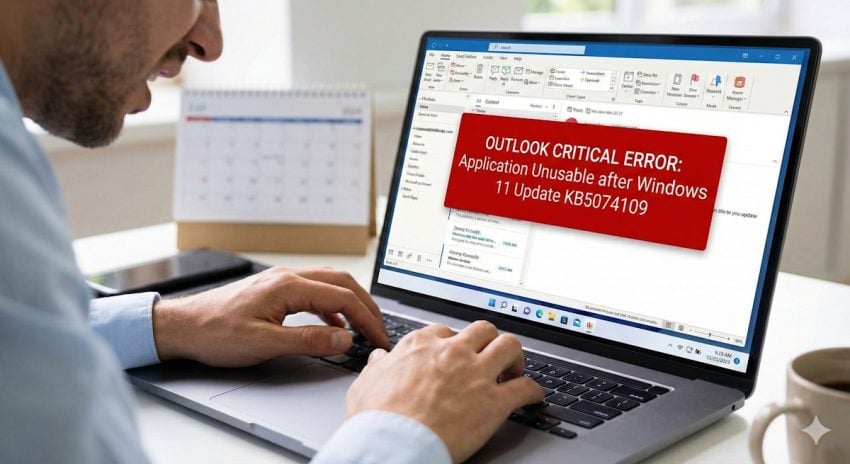
Microsoft’s January 2026 Patch Tuesday update (KB5074109) is causing classic Outlook to hang, freeze, and fail to restart. Find out if your system is affected and how to restore functionality.
The first patch day of the year 2026 won’t go down in history as one of the smoothest. While system administrators expect minor inconveniences with each cumulative update, the January patch is taking things to the extreme: Microsoft already confirmed an insomniac bug and broken RDC functionality for some users.
Turns out, there is another issue that is plaguing users on Windows.
The Classic Outlook POP issue
- Support page: Classic Outlook POP account profiles hang and freeze after Windows 11 update to KB5074109
- What is affected: Outlook classic on Windows does not play with POP accounts currently.
- The symptoms: Microsoft mentions hangs and freezes, and also that Outlook won’t restart once it has been closed. The company admits that it does not “have all the symptoms yet”.
- Official fix or workaround: None at the time of writing.
Uninstalling the latest cumulative update for Windows 11 resolve the issue according to reports. However, doing so leaves the system open to attacks. One of the patches included in this month’s security update addressed a 0-day issue that is actively exploited.
- Go to Settings > Windows Update.
- Click on Update history.
- Scroll down and select Uninstall updates.
- Locate KB5074109 in the list.
- Click Uninstall and restart your computer.
Note: You may need to pause updates for a week to prevent Windows from automatically reinstalling it immediately.
If you do so, I recommend that you check the support page for updates to find out when the issue is fixed so that you may install the security update on the Windows machine again.
Other options include using different Outlook apps. Since Microsoft refers to classic Outlook as being broken, the new Outlook app and the Outlook mobile app for Android should continue to work as usually. Both support POP3, but require that the mail account is added to the program.
If switching from POP3 to IMAP is an option, this should also resolve the issue.
Yes, this is the third article, but all these “bugs” are only affecting users with version 23H2.
“Only users of Windows 11 version 23H2 are significantly impacted by these bugs.”
May want to make it clear; I haven’t had issues–I don’t think.
What was the reason? Numerous users didn’t upgrade from 23H2 to 24H2 to 25H2 for some silly conspiracy theory reason–that was long ago. Now they want to blame MS or spend time dealing with an outdated OS that is plagued by updates intended for an entirely different version than the one they are using.
What is the opposite of “winning”? What kind of clusterf*ck Microsoft has created with Windows?
Hmm, the outlook they don’t want you to use anymore is broken, by a patch, but the one they do want you to use still works fine.
SOP right?
Microsoft needs to stop vibe coding the updates….